Copy-ready commands for batch downloading direct links from cloud storage using the command line. Great for scripts, cron jobs, and headless servers.
Why automate?
When you ship nightly builds, datasets, or classroom packs, you do not want to click each link. Using direct links with curl or wget lets you pull files on a schedule or inside CI, without opening a browser.
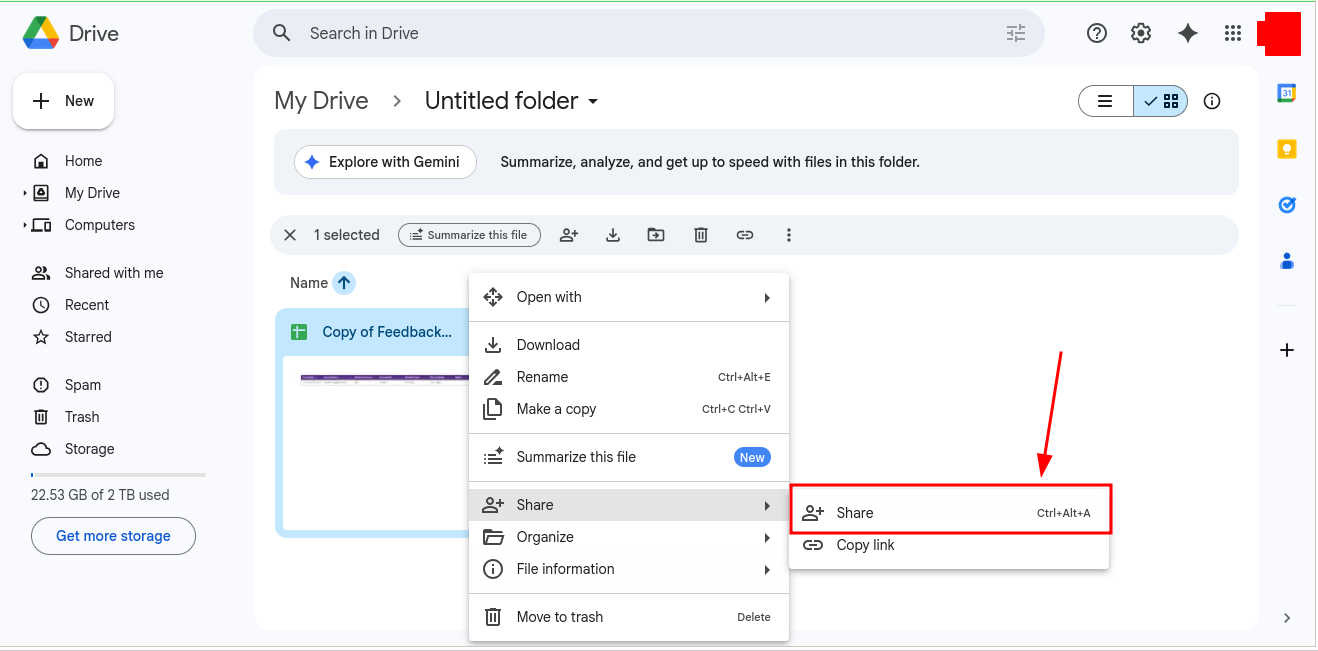
Direct links plus CLI keep downloads scriptable and predictable.
Get the correct link first
Convert your share URL in DriveDirect Gen. This turns Google Drive, Dropbox, or GitHub shares into true download URLs with no previews. Then drop the result into the commands below.
Basic curl command
curl -L -o file.zip "DIRECT_LINK_HERE"
-L follows redirects. Replace file.zip with your target filename.
Basic wget command
wget -O file.zip "DIRECT_LINK_HERE"
Wget follows redirects by default. Use -c to resume partial downloads.
Download multiple files from a list
# links.txt contains one direct link per line
while IFS= read -r url; do
  fname=$(basename "$url" | cut -d? -f1)
  echo "Downloading $fname"
  curl -L -o "$fname" "$url"
done < links.txt
Save your direct links to links.txt, then run the loop.
Schedule with cron (Linux)
# Runs every day at 2:30 AM
30 2 * * * /usr/bin/wget -O /backups/data.zip "DIRECT_LINK_HERE"
Use this for nightly assets, course refreshes, or mirrored backups.
Handle large files safely
- Use wget -c or curl -C - to resume if the connection drops.
- Check available disk space before starting: df -h.
- For heavy traffic, host a mirror in Dropbox or OneDrive and swap links when Drive throttles.
Add basic integrity checks
sha256sum file.zip
# Compare against a checksum you publish alongside the link.
Publishing a checksum helps teammates verify they pulled the right build.
Use in CI pipelines
Place the curl command in a build step to fetch assets before tests run. If a link fails, fail fast and notify the team. Keep secrets out of the URL; these direct links are for files you intend to share.
Platform-specific command habits
Not every host behaves exactly the same once you move from the browser to the terminal. A Google Drive file that is public and lightly used is usually fine in a cron job, but high-traffic files can still hit quota walls. A Dropbox file is often convenient for mirrors because the direct URL is simple, while a GitHub raw URL is ideal for small configs, markdown, and developer assets. Pick the host based on the job instead of assuming every file should live in one place.
If you are scripting recurring downloads, keep a tiny note near the command with the source platform, expected filename, and fallback mirror. That way, when a teammate revisits the script later, they immediately know whether to rotate to Drive, Dropbox, or another source. This small bit of context reduces breakage more than people expect.
Operational checklist before you schedule anything
- Run the command once manually and confirm the saved filename is correct.
- Store links in a plain text file or env var instead of hard-coding them in multiple scripts.
- Log the last successful download time so failures are obvious in cron or CI output.
- Keep a second direct link ready for important jobs, especially if the file is large or popular.
- If you batch many files, pre-generate them with the bulk converter so the automation layer stays simple.
The pattern is straightforward: generate the right direct link first, verify it from a fresh terminal session, then automate it. Doing these steps in the wrong order is what usually creates fragile CLI workflows.
Good automation means readable automation
A direct-link script should still be understandable to the next person who opens it. Name output files clearly, keep one URL per line when batching, and leave a short comment explaining whether the source is a mirror, a nightly build, or a long-lived public asset. Most maintenance pain in CLI downloads comes from mystery commands, not from the network request itself.
If the same file is used by more than one job, centralize the direct link rather than duplicating it across multiple scripts. That way, when a host changes or a file moves, you update one place instead of hunting through automation later.
The best CLI workflows are boring in the right way: predictable filenames, predictable logs, predictable mirrors, and predictable recovery when a source changes.
If a download matters to the business or the classroom, make the script easy enough that anyone on the team can rerun it confidently.
Takeaway
Direct links make automation easy. Convert the URL with DriveDirect Gen, then script downloads with curl or wget. Your files arrive on time, every time - no tabs, no previews.
Related guides
- Convert many links at once before dropping them into your curl loop.
- Fix Drive quota errors that can break automated pulls for popular files.
- Generate GitHub raw URLs when your scripts fetch assets from repos.
- Create Dropbox direct links as mirrors for heavy automation traffic.