The Two Approaches
When you need to create a direct download link from a cloud storage share URL, you have two primary options:
- Automated Tool: Use DriveDirect Gen, our generator that parses the URL and generates the direct link instantly.
- Manual Editing: Understand the URL pattern for each platform and manually construct the direct download URL by editing the link yourself.
Both methods achieve the same result, but they differ significantly in speed, convenience, error rate, and scalability. Let's break down each approach.
Speed & Convenience
Automated Generator
With a tool like DriveDirect Gen, you simply paste and click. The entire process takes under 3 seconds. You do not need to remember URL patterns, extract file IDs manually, or worry about typos. The tool handles all edge cases automatically.
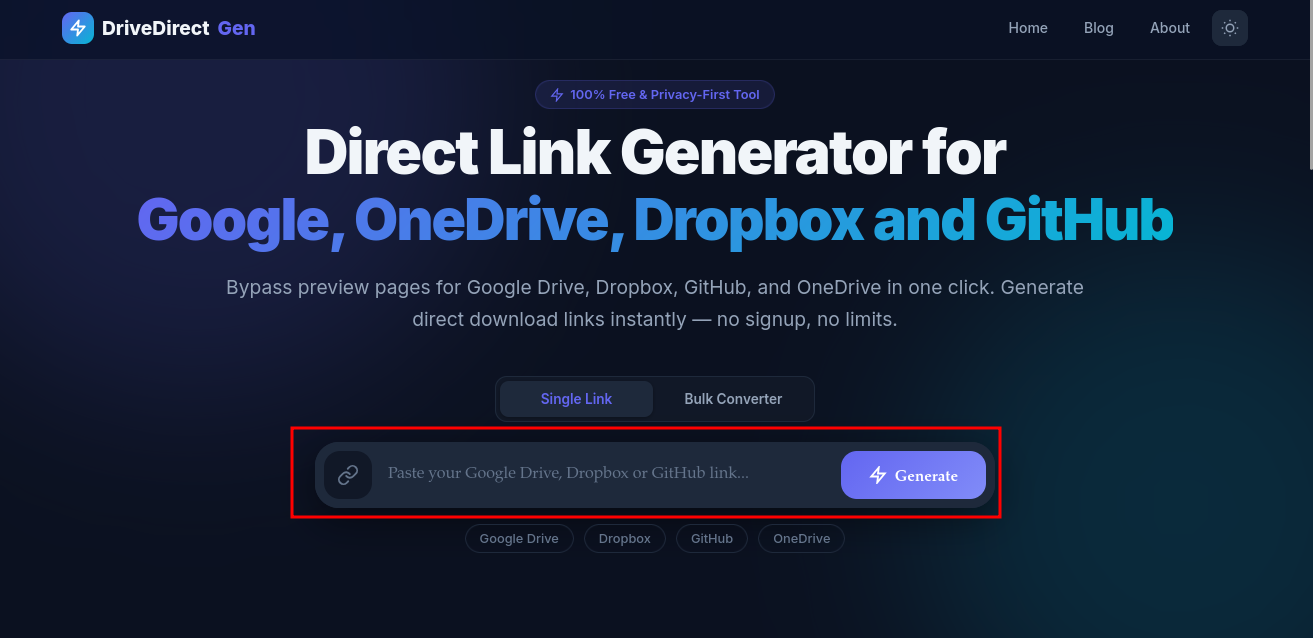
DriveDirect Gen: Simply paste a link and click Generate
Manual Method
Manual conversion requires you to locate the file ID in the URL, remember the target URL pattern, and carefully construct the new URL. This typically takes 15-30 seconds per link and is error-prone.
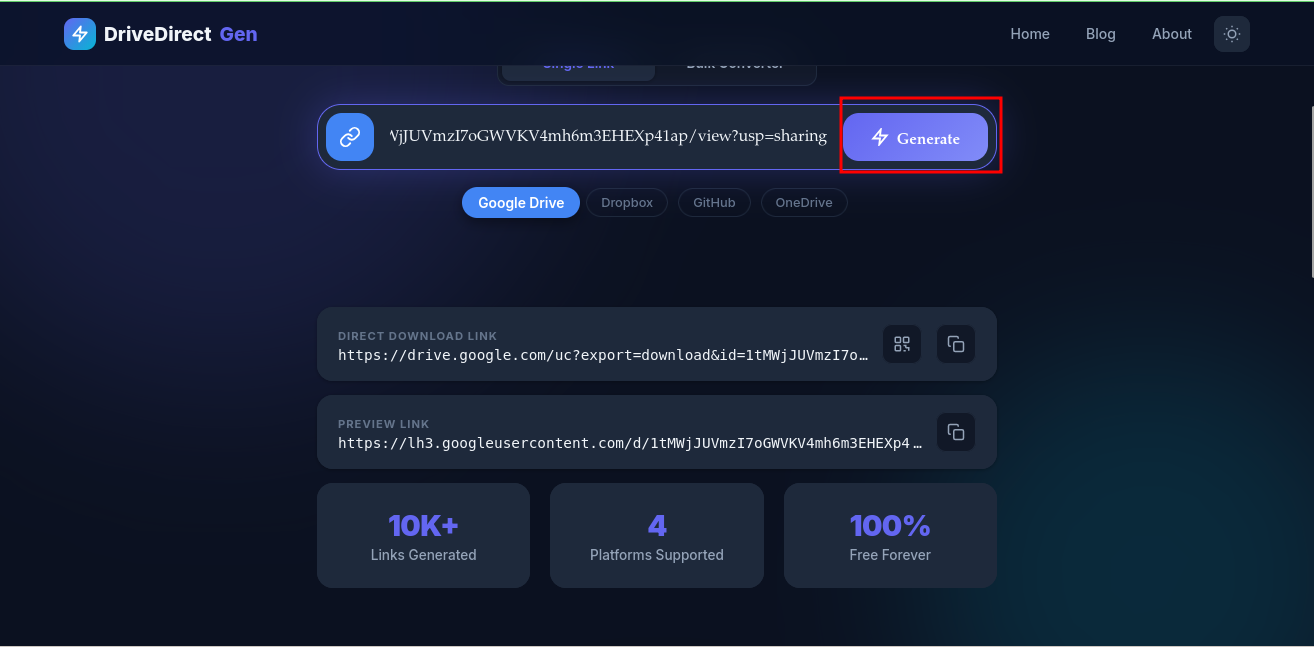
Generated results: Direct download link plus Preview link with one-click copy
Winner: Automated Generator - 5x faster and zero chance of URL construction errors.
Multi-Platform Support
Automated Generator
DriveDirect Gen supports Google Drive, Dropbox, GitHub, and OneDrive - all with the same paste-and-click workflow. You do not need to know the specific URL pattern for each platform.
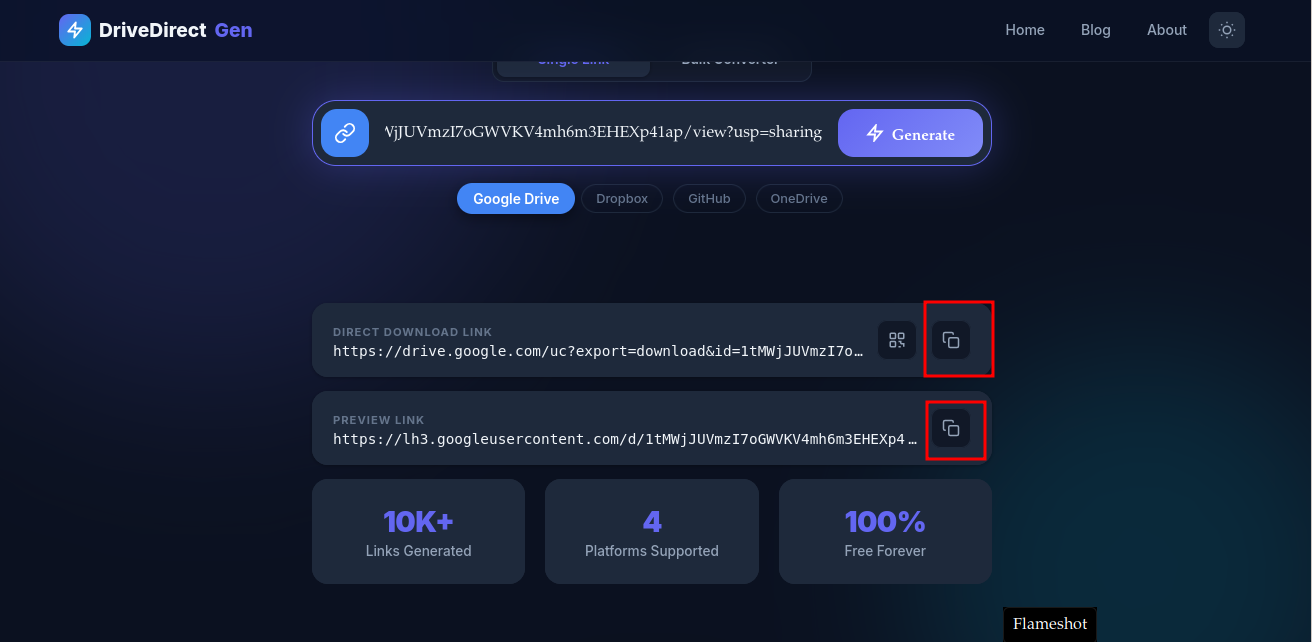
One tool supports Google Drive, Dropbox, GitHub, and OneDrive
Manual Method
You need to memorize or look up the URL transformation pattern for each platform. Each service has a different format, making it tedious when you work across multiple platforms.
Winner: Automated Generator - One tool for all platforms.
Privacy & Security
Automated Generator (Client-Side)
Tools like DriveDirect Gen that process links client-side (in your browser) are just as private as manual editing. Your links never leave your device. However, some online generators process links server-side - always check.
Manual Method
Manual editing is inherently private since no external tool is involved.
Winner: Tie - As long as the generator is client-side (like DriveDirect Gen).
When to Use Which?
- Use an Automated Generator for quick, one-off conversions, when working with multiple platforms, or when you want zero chance of errors.
- Use Manual Editing when you're building scripts or automation that need to construct URLs programmatically.
- Use the API when building production applications that need server-side file access.
- Use the bulk converter when dozens of URLs would make manual editing impractical.
Bonus: QR Code Sharing
DriveDirect Gen also lets you generate a QR code for any direct download link - a feature no manual method can offer. Just click the QR icon next to the copy button:
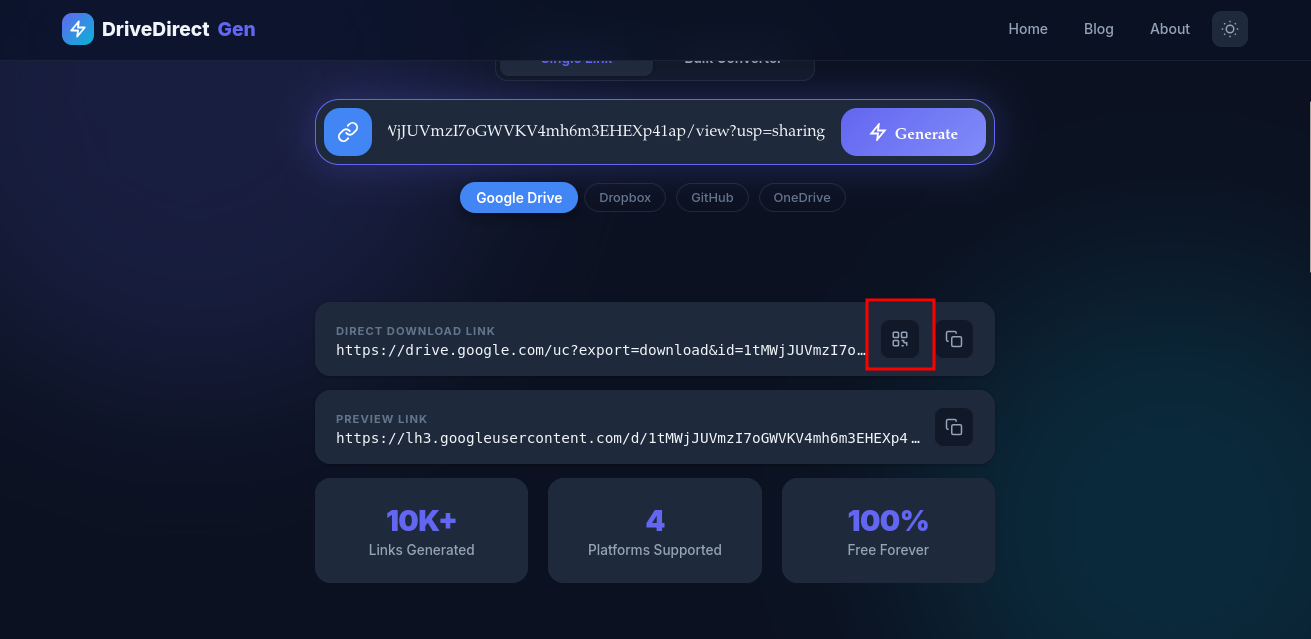
Click the QR code button on any generated link
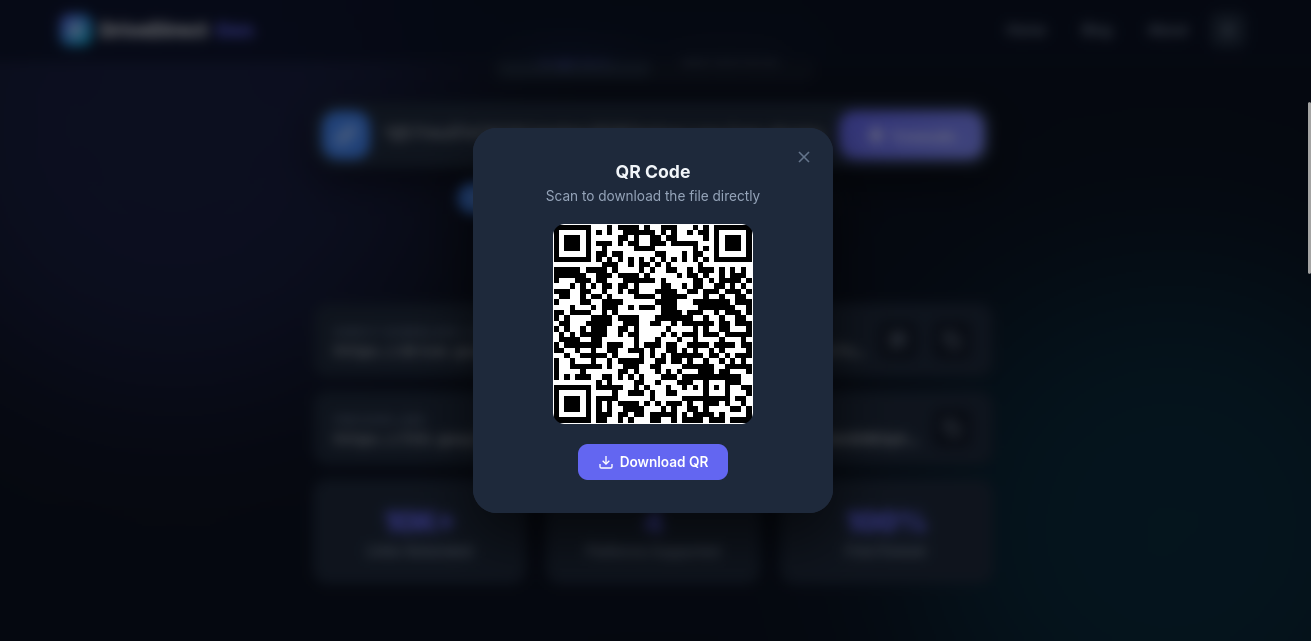
Scan or download the QR code for easy mobile sharing
Where manual conversion usually goes wrong
Manual conversion seems easy when you only do it once. The trouble starts when you switch between platforms, revisit old links, or share files with less technical teammates. One missing file ID, one forgotten query parameter, or one copied preview URL can silently break the result. This is especially common when someone moves from Google Drive to Dropbox and assumes the pattern is similar.
That is the real advantage of a generator: not just speed, but consistency. When a workflow is repeated, the value of zero-guesswork formatting compounds quickly. One correct link is nice. Fifty correct links without rechecking syntax is where automation clearly wins.
Scaling from one link to fifty
If you are sending a single file to one person, manual editing might be acceptable. If you are building a class resource pack, a launch kit, or a mirror plan, the equation changes immediately. At that point, the generator plus the bulk converter becomes the practical choice because it removes repetitive failure points and gives you links that are easier to test, label, and publish.
The same logic applies when you need to add buttons, mirror hosts, or QR codes. Manual conversion only solves the raw URL problem. A tool-driven workflow solves the whole delivery problem.
Conclusion
For the vast majority of users, an automated direct link generator is the superior choice. It's faster, error-free, and works across all platforms. DriveDirect Gen is the best option because it runs entirely client-side, is completely free, and supports 4 major cloud platforms.
Try it now - generate your first direct link in under 3 seconds.
Related guides
- Create a Google Drive direct link step-by-step.
- Use the bulk converter when you have dozens of URLs to process.
- Automate downloads with curl/wget after generating links.
- Make QR codes for your links to share at events and classes.